Use with your agent
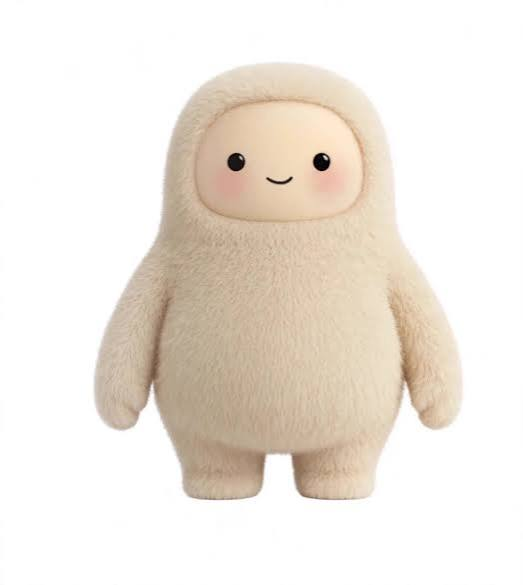
Muse Yourself is a remote MCP server. Give your AI agent fur.
MCP URL (Streamable HTTP):
https://museyourself.lol/api/mcpBring your own OpenAI key. muse_photo runs on your OpenAI account (about 1–2¢ per image with GPT Image 2.5 Flare, low). Send your key as an HTTP header — Authorization: Bearer sk-... or X-OpenAI-Key: sk-.... It is used only for that request and never stored or logged. list_samples is free and needs no key.
Tools
muse_photo—image_urlorimage_base64(+ optionalmime,style: "painting") → returns the muse’d image. Needs your key.build_muse— design a Muse from options (fur, texture, hair, hairColor, top, topColor, hat, eyewear, extra, prop, angle, scene; omitted = random) → returns the image. Needs your key.list_samples— before/after sample URLs. Free.
Limits: 6 MB per image, light per-IP abuse limit.
Claude Code
claude mcp add --transport http muse-yourself https://museyourself.lol/api/mcp \
  --header "Authorization: Bearer sk-YOUR-OPENAI-KEY"
Cursor (~/.cursor/mcp.json)
{
  "mcpServers": {
    "muse-yourself": {
      "url": "https://museyourself.lol/api/mcp",
      "headers": {
        "Authorization": "Bearer sk-YOUR-OPENAI-KEY"
      }
    }
  }
}
Claude Desktop (via mcp-remote)
{
  "mcpServers": {
    "muse-yourself": {
      "command": "npx",
      "args": [
        "-y",
        "mcp-remote",
        "https://museyourself.lol/api/mcp",
        "--header",
        "X-OpenAI-Key:${OPENAI_API_KEY}"
      ],
      "env": {
        "OPENAI_API_KEY": "sk-YOUR-OPENAI-KEY"
      }
    }
  }
}
ChatGPT / claude.ai custom connectors
These UIs only accept a URL (no custom headers yet),
so use list_samples there, or connect via a client
that supports headers (Claude Code, Cursor, mcp-remote).
Raw HTTP
POST https://museyourself.lol/api/mcp
Authorization: Bearer sk-YOUR-OPENAI-KEY
Content-Type: application/json
Accept: application/json, text/event-stream